
freebsd:jupyterhub
Jupyterhub 설치하기
이건 FreeBSD port가 따로 없기 때문에 다음의 과정을 통해서 설치했다.
cd /usr/ports/devel/py-pip
make config
make all install clean

cd /usr/ports/www/node
make config
make all install clean

cd /usr/ports/www/nmp
make config
make all install clean

pip install jupyterhub jupyterlab
pip install ipywidgets
npm install -g configurable-http-proxy
cd /usr/ports/math/py-matplotlib
make config
make all install clean
pip install schrodinger
/usr/ports/multimedia/py-ffmpeg-python
make config
make all install clean
pip install ase f90wrap
cd /usr/ports/devel/git
make config
make all install clean

pip install qutip
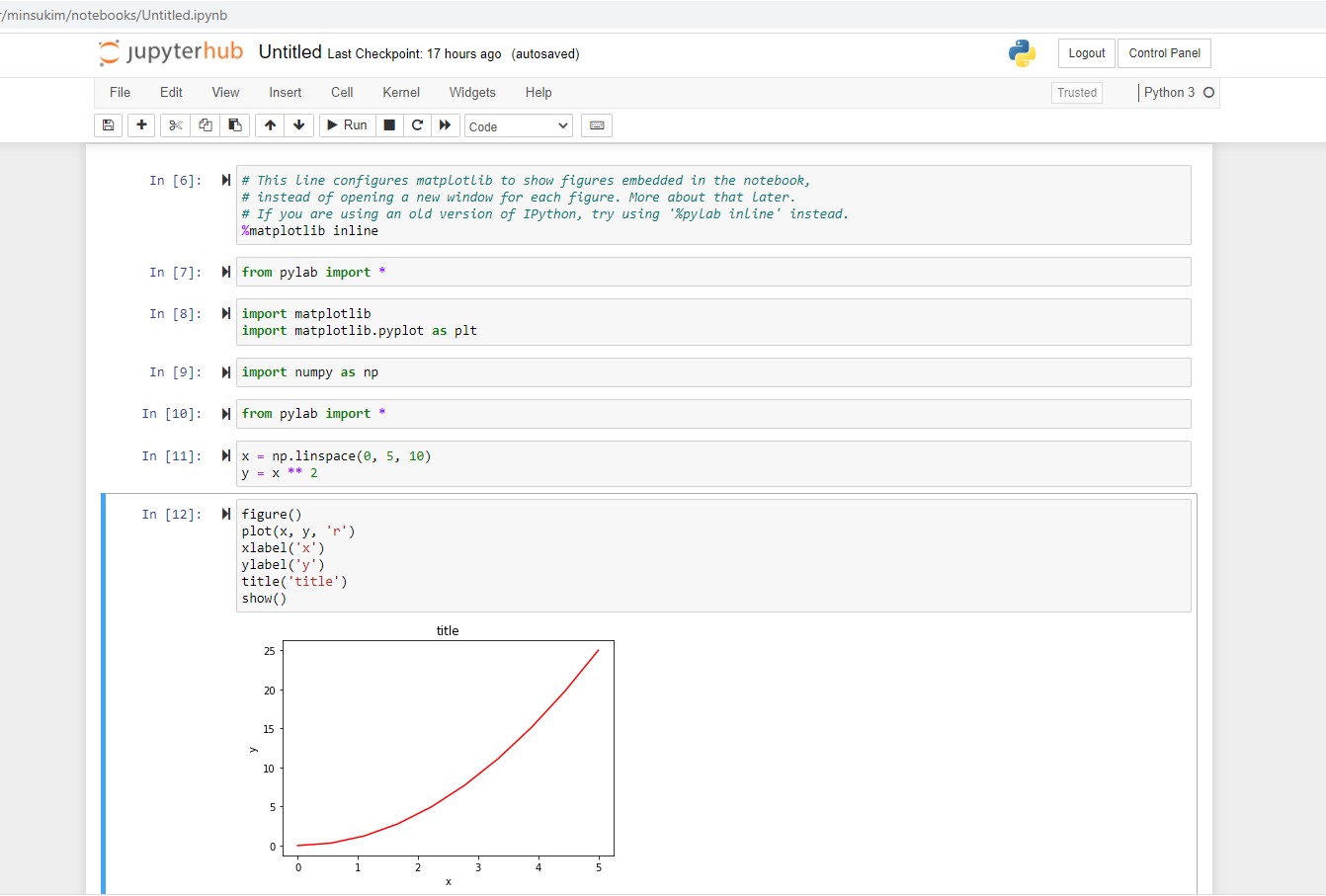
설치 후에 https://nbviewer.jupyter.org/github/jrjohansson/scientific-python-lectures/blob/master/Lecture-4-Matplotlib.ipynb에서 알려주는 대로 따라한 첫 화면. 작동한다!
freebsd/jupyterhub.txt · 마지막으로 수정됨: 2021/02/03 15:35 저자 minsookim